Work Shuttle
Mobile web app with shuttle and live bus times
Overview
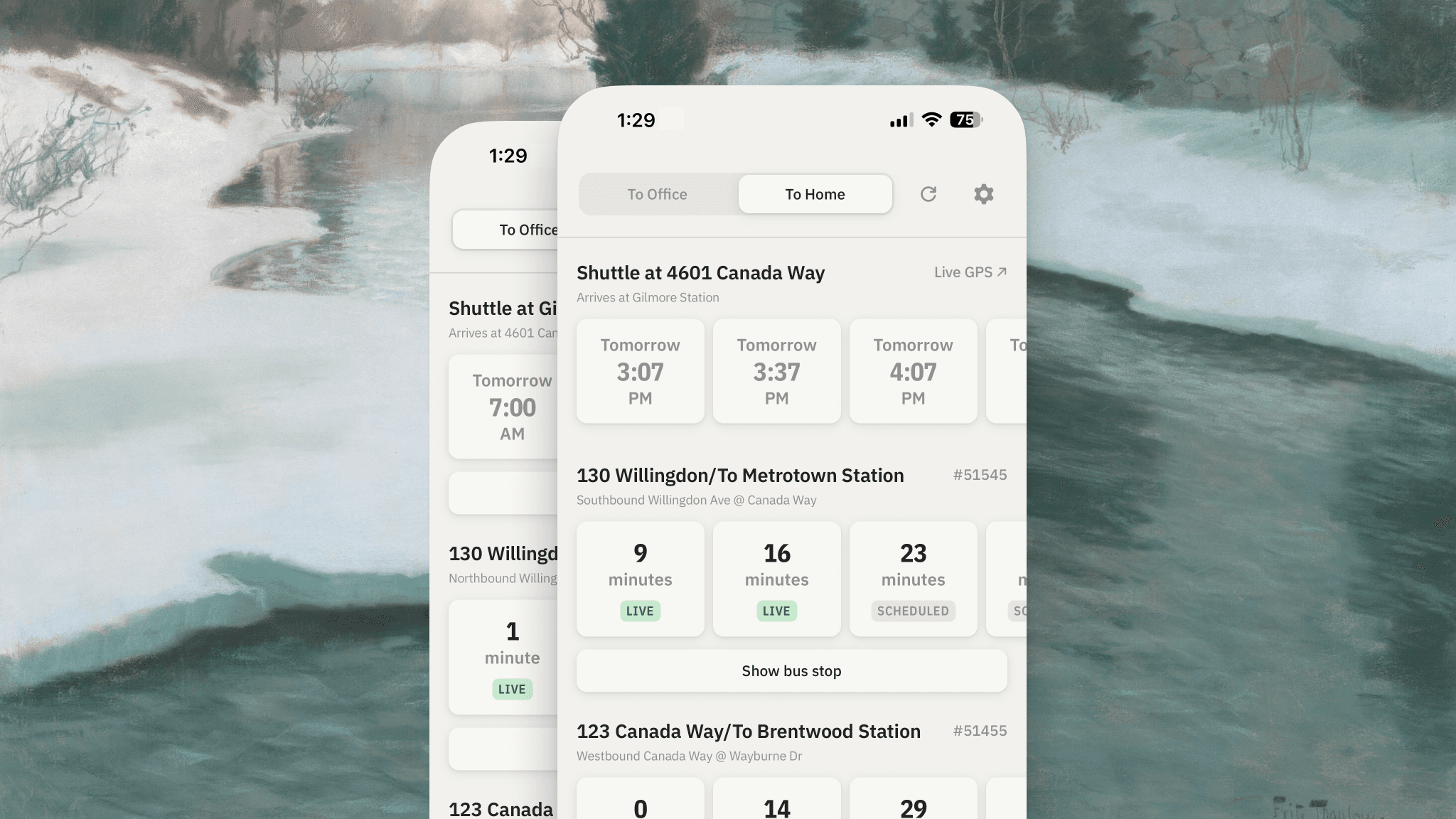
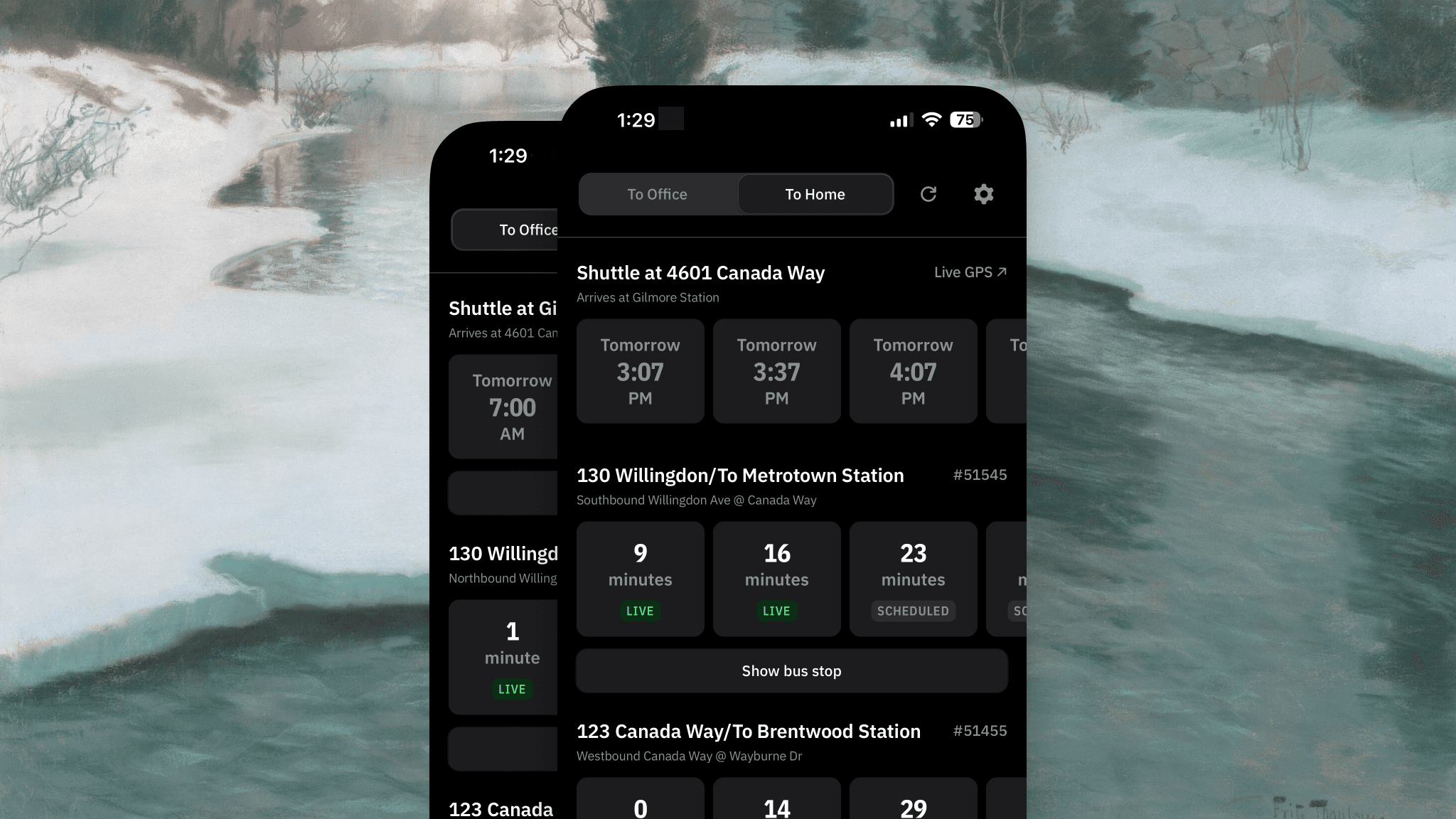
Work Shuttle is a mobile-first commute tool for Clio shuttle riders. It puts weekday shuttle departures next to live and scheduled backup bus options, and lets riders add the bus lines that match their own commute.
https://workshuttle.vercel.appWhat it does
The app shows the next shuttle departures for both directions, with relative countdowns for imminent trips and clock times for anything further out. Riders can compare the shuttle against nearby 123 and 130 bus options, add custom backup routes by stop number, open stop maps, and jump to the shuttle's live GPS view.
- Switch between to-office and to-SkyTrain routes
- Compare shuttle departures with live and scheduled TransLink backup routes
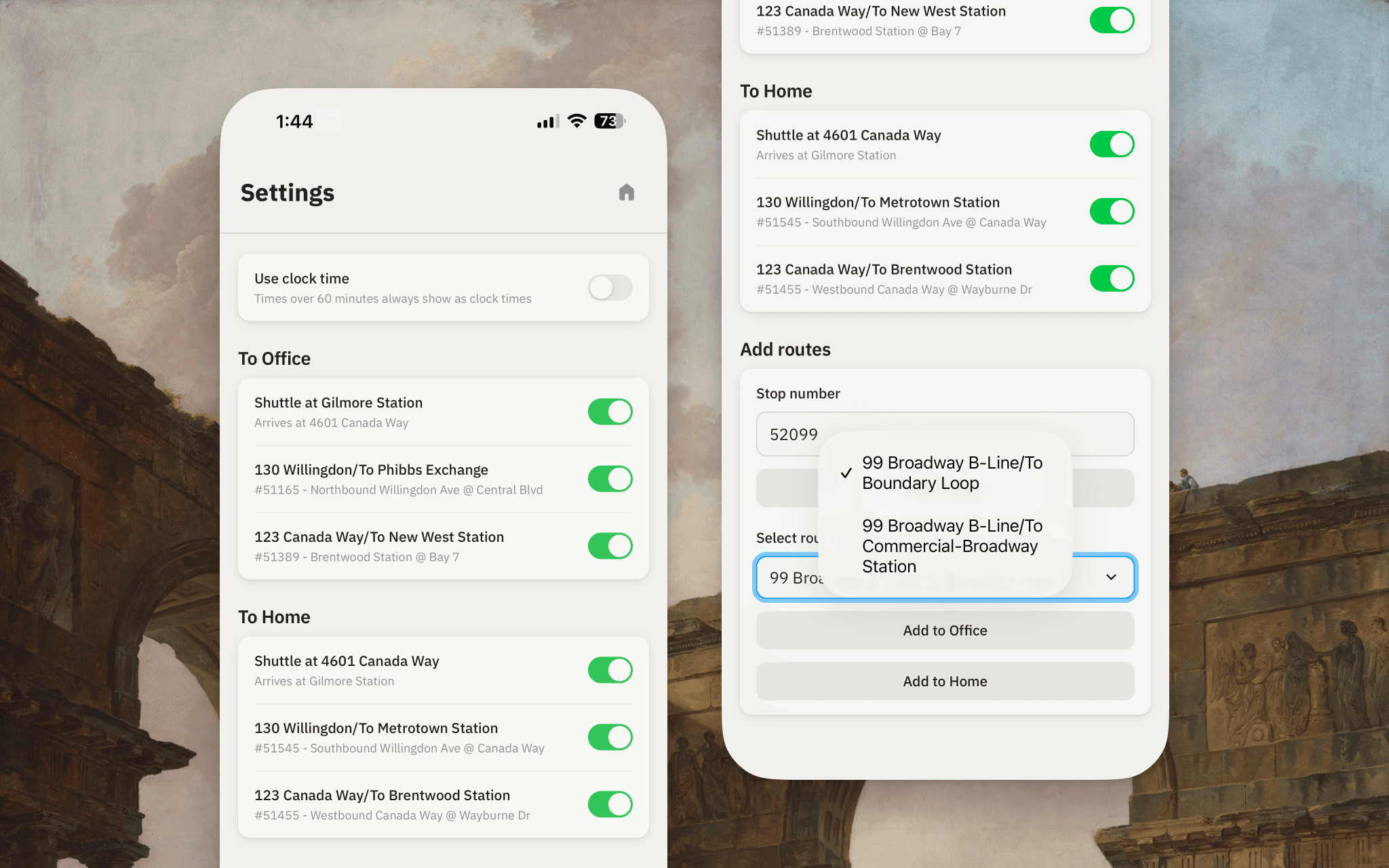
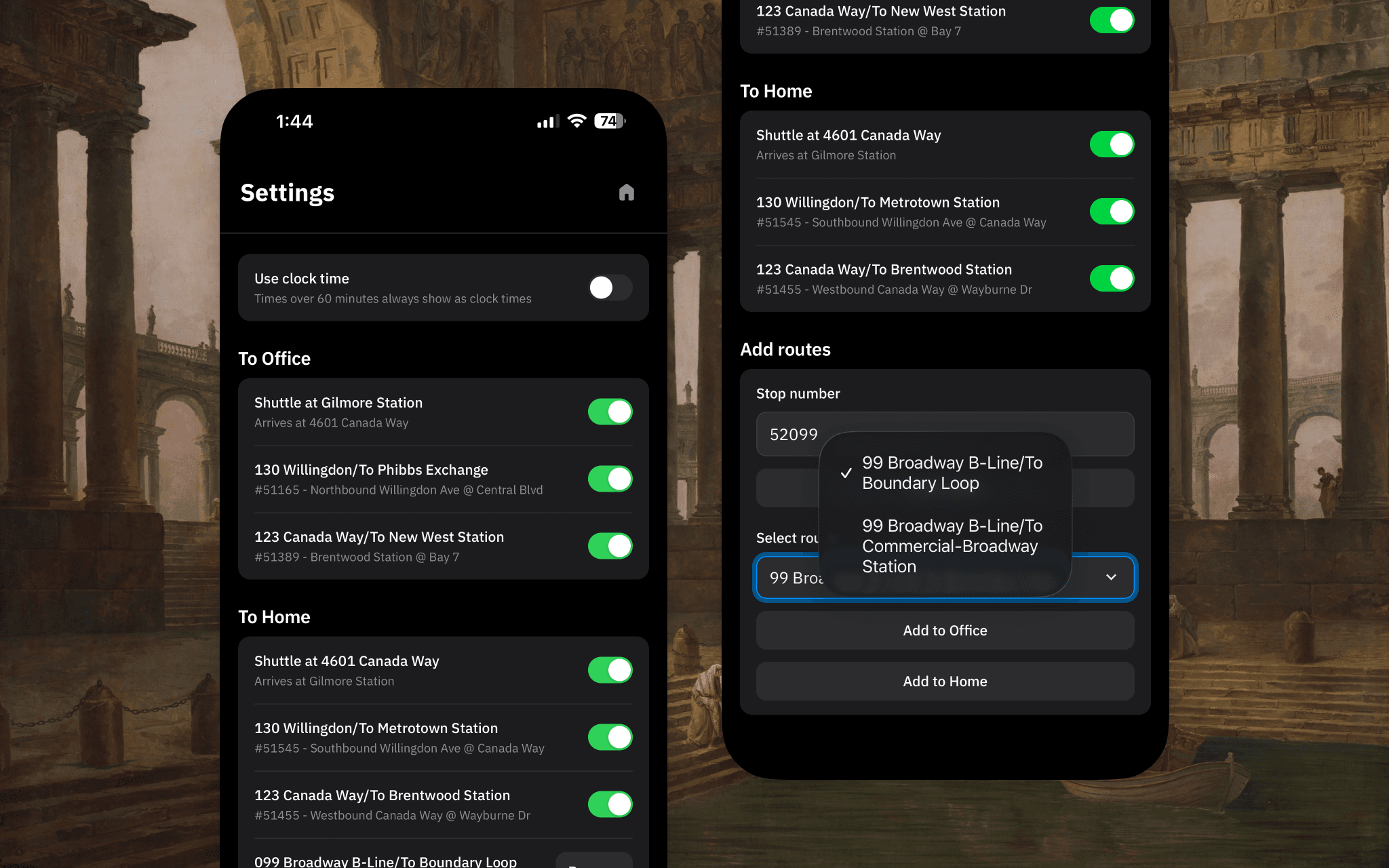
- Add custom bus lines by entering a stop number and choosing the route destination
- Show or hide individual cards and choose relative or absolute time display
- Persist direction, visibility, and time-format preferences across visits
How it works
The app fetches GTFS-Realtime data server-side, filters it to the relevant route, stop, direction, and trip IDs, then merges live ETAs with static schedule data. Custom bus lines start with the public stop number riders already know: the app looks up valid route and destination options from static GTFS data, saves the selected line, and renders it as another live bus card. When live predictions are missing or stale, the app still shows scheduled departures, handles next-service-day rollovers, and refreshes the boards every 30 seconds. The desktop version cycles through different artwork every day in the background pulled from the Metropolitan Museum of Art.